How to playback, and export video using a NVR or DVR
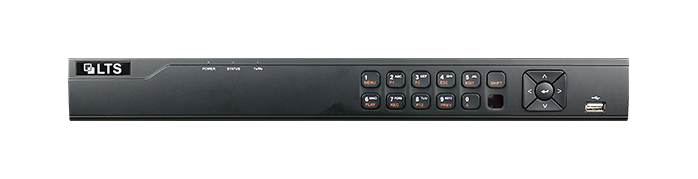
Learn how to easily playback and export video footage using the LTS Security Digital Video Recorder (DVR) and Network Video Recorder (NVR) Web GUI’s. Our user-friendly manual provides step-by-step instructions and helpful visuals for managing and utilizing your product.
This Manual is only applicable to the LTS Security Digital Video Recorder (DVR) and Network Video Recorder (NVR).
The Quick Start Guide includes instructions for using and managing the product. Pictures, charts, images and all other information hereinafter are for description and explanation only.
The information contained in the Manual is subject to change, without notice, due to firmware updates or other reasons. Please find the latest version using the LTS Security company website.
Please use this user manual under the guidance of professionals
Click here to download the Quick Start Guide: Playback Video Guide
Sometimes we find it easier to export entire time periods when there is more footage to contend with.
Click here to download the Bulk Video Export Guide: Backup Video Guide