
Verify Email settings on iOS
Are you experiencing issues with your email on your Apple device? Don’t worry! Our simple guide will help you verify and configure your cgmailbox.com or cgaz.com email settings effortlessly. From checking your incoming server to ensuring SSL is enabled, we cover all the essential steps to get your email up and running smoothly. Whether you’re a tech novice or a seasoned user, our straightforward instructions will make the process a breeze. Dive in to ensure your email is set up correctly and enjoy seamless communication on your Apple devices!
How to setup Email on iOS
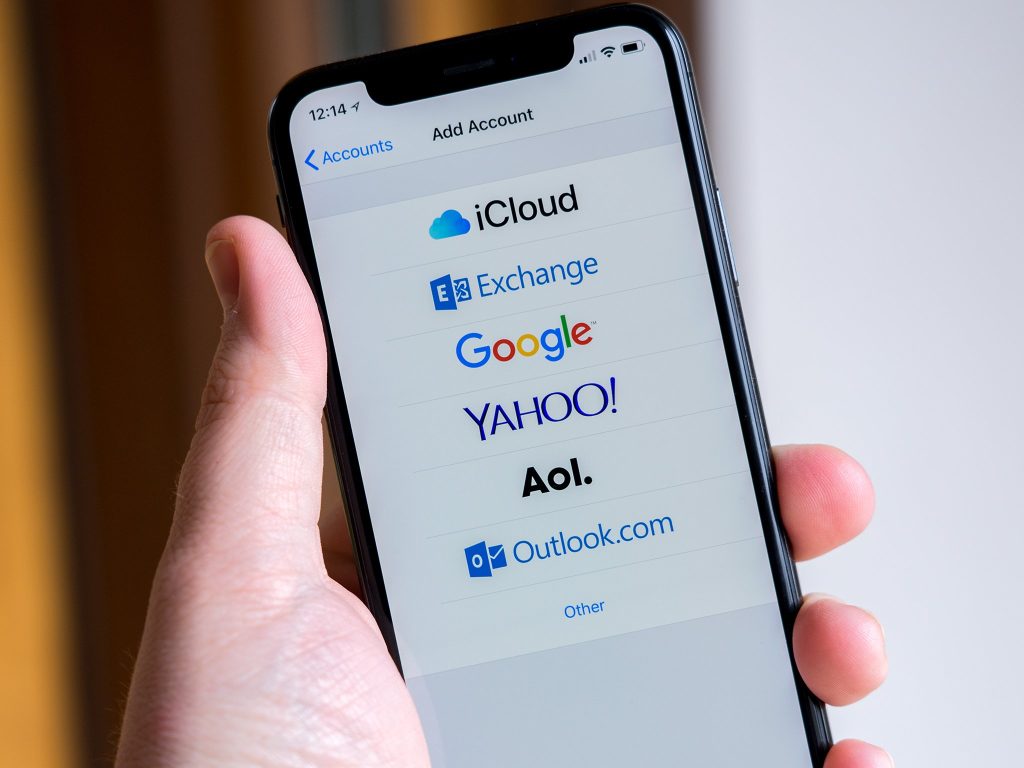
Are you ready to embrace the convenience of checking your email on your new iPhone? Setting up your cgmailbox.com or cgaz.com email on your Apple devices is easier than you think! With just a few simple steps, you can have your email up and running in no time. From navigating the Settings to entering your server information, this guide will walk you through the entire process. Say goodbye to missing important messages and hello to seamless communication. Dive in and discover how effortless it is to stay connected in the 21st century!