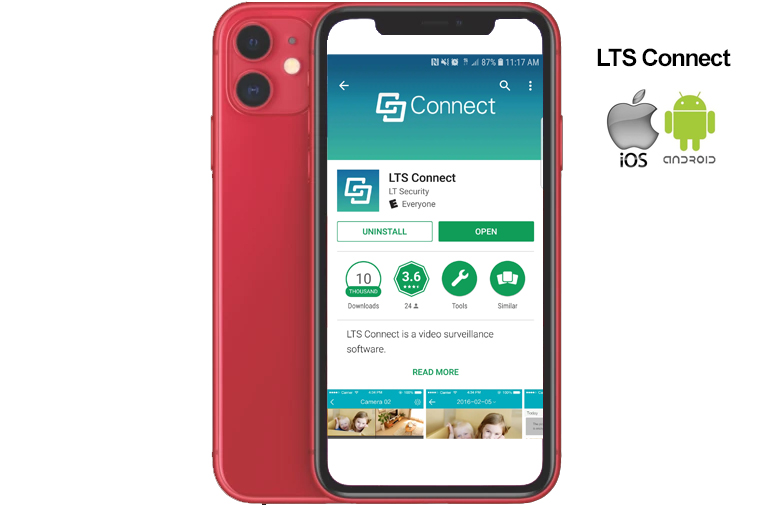
How to view your cameras from your mobile device
Discover how you can easily monitor and access live footage from your cameras wherever you are, all thanks to the LTS Connect and Hik Connect Mobile Apps.
With these powerful tools by your side, you can keep an eye on your property and loved ones from virtually anywhere in the world without even leaving the comfort of your home. So why wait? Download the LTS Connect or Hik Connect Mobile Apps today and start experiencing the effortless way to view your security cameras remotely.
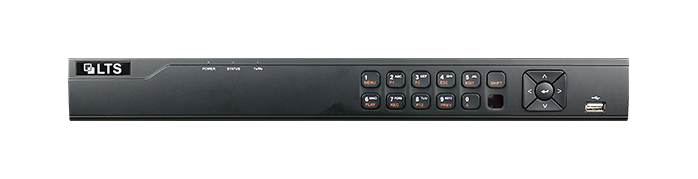
This guide is only applicable to the LTS Connect or Hik Connect Mobile Applications for managing LTS or Hikvision Digital Video and Network Video Recorders.
The information contained in guide is subject to change, without notice, due to firmware updates or other reasons.
Please find the latest version using the LTS Security company website.
Please find the latest version using the Hikvision company website.
For Android:
Click here to download the LTS Connect Mobile App for: Android
Click here to download the Hik Connect Mobile App for: Android
For Apple iOS:
Click here to download the LTS Connect Mobile App for: Apple iOS
Click here to download the Hik Connect Mobile App for: Apple iOS
User Manuals:
Click here to download the LTS Connect: User Manual
Click here to download the Hik Connect: User Manual