How to enable call forwarding

How to call forward your CGI VoIP Service…


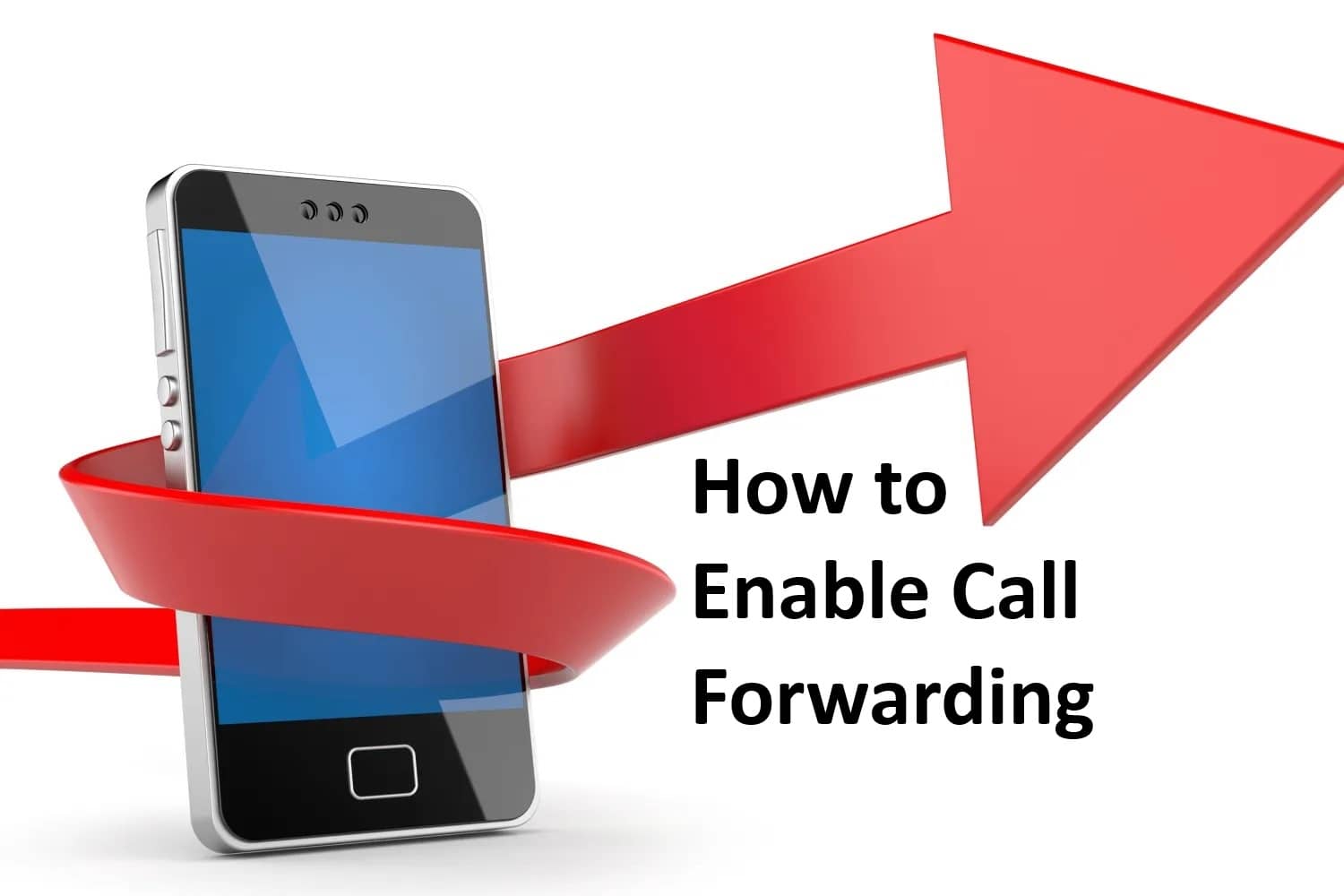
Call forwarding, also known as call diverting, is a phone feature that redirects incoming calls to a different number. It’s available on traditional analog (POTS), Cell/Mobile, and VoIP telephone systems.

To enable call forward on your VoIP Extension do the following:

From the extension you want to forward, pickup the handset (take the phone off hook), and dial:

*72

You will hear: “Enter the destination telephone number, then press pound“.

Dial the Number and Press #  

*Note* You only need Enter 10 Digits (e.g. 123-456-7890#)

You will here: “You entered: 123-456-7890, call forwarding has been set”.

All inbound calls will now be sent to the number you provided.

To disable call forwarding on your VoIP Extension do the following:

From the extension you want to forward, pickup the handset (take the phone off hook), and dial:

*73

You will hear: “Call forwarding has been cancelled“.


That’s it – too easy right?

 

Share the Post:

Related Posts

How to Setup Email on Windows – Thunderbird

Are you ready to take control of your email with Thunderbird on your Windows device? This powerful, open-source application not only simplifies email management but also enhances your communication experience with its user-friendly interface and robust features. Whether you’re a seasoned user or new to email clients, our step-by-step guide will walk you through the installation and setup process effortlessly. Say goodbye to cluttered inboxes and hello to organized communication! Dive in to discover how to set up your email in just a few easy steps and unlock the full potential of Thunderbird today!

Read More

How to Setup Email on Android – Edison Mail

Unlock the true potential of your email management with Edison Mail on your Android device! Say goodbye to cluttered inboxes and spam with confidence. This powerful email client features an intuitive interface and an impressive “one tap unsubscribe” option that simplifies subscription management like never before. Regardless of your tech expertise, setting up Edison Mail is a seamless process. Follow our straightforward step-by-step guide and reclaim control of your inbox now. Embrace a more organized digital life and wave farewell to unwanted emails!

Read More