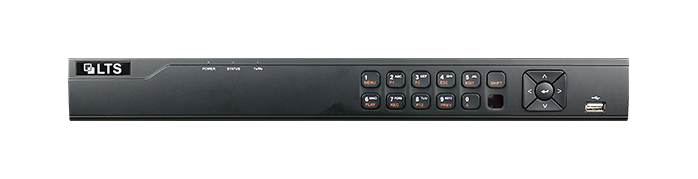
Download the LTS DVR User Manual 4.0
Looking for an easy way to manage your security cameras video recordings? Check out the LTS Security Digital Video Recorder (DVR) manual, which is a comprehensive guide to walk you through its various features and functions. Whether you’re a security professional or just someone looking to beef up your knowledge of your home security system, this user-friendly manual includes everything you need to know to get started with your DVR. With helpful pictures, charts, and images to illustrate key concepts, so learning to use your DVR has never been easier. So why wait? Download the user manual today and start protecting your property and loved ones with confidence!
This Manual is only applicable to the LTS Security Digital Video Recorder (DVR).
The Manual includes instructions for using and managing the product. Pictures, charts, images and all other information hereinafter are for description and explanation only.
The information contained in the Manual is subject to change, without notice, due to firmware updates or other reasons. Please find the latest version in the company website.
Please use this user manual under the guidance of professionals
Click here to download the user manual: DVR User Manual